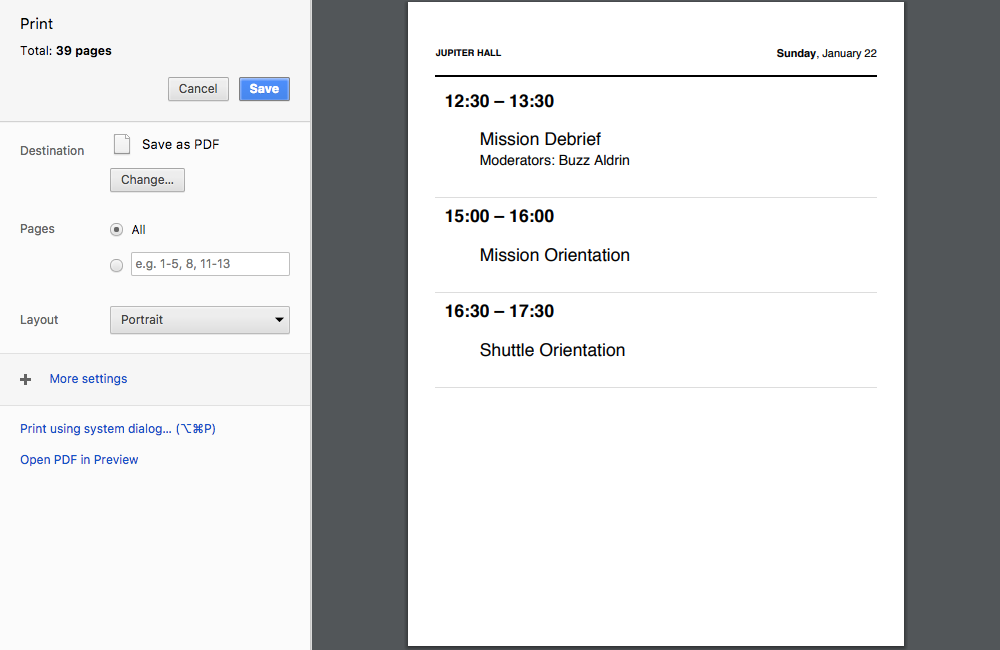
Printed venue signs are great for posting on the door outside each room or as a reference for your event team.
- Go to Reports tab.
- Click “Venue Signs.”
- Click “Print” to print the venue schedules for all days of your event, or select a specific day in the drop-down menu.
They will appear as one, long page in your web browser. When you print, they will automatically break into new pages for each venue.
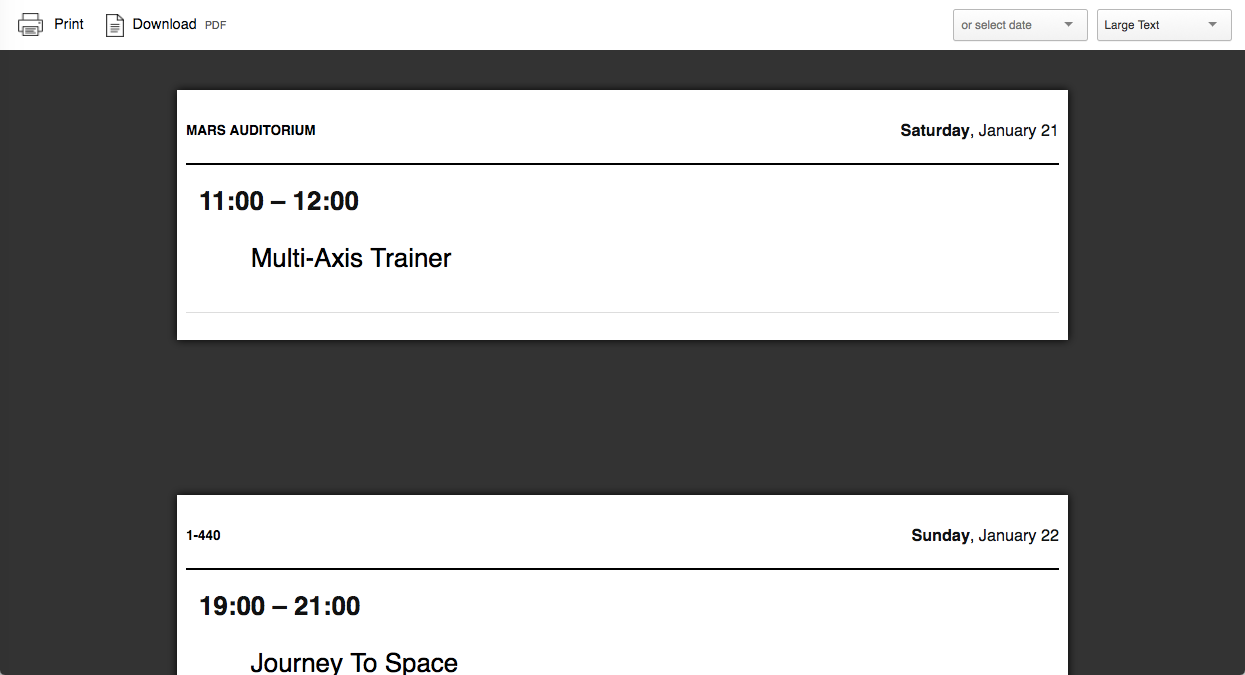
Example of a single-venue page: