Choosing a ticketing platform shouldn’t be harder than planning your event.
But with so many tools out there (each promising to increase sales, simplify check-in, or support group discounts), it’s easy to feel overwhelmed. The truth is, not every platform is built for your needs, and picking the wrong one can cost you time, money, and frustrated attendees.
We’ve narrowed it down for you. This article breaks down the best event ticketing platforms of 2025, with clear comparisons to help you choose the one that fits your event, your goals, and your budget.
Main Takeaways
Table of contents
- 1 Main Takeaways
- 2 Best Event Ticketing Software: Side-by-Side Comparison
- 3 1. Sched
- 4 2. Whova
- 5 3. Guidebook
- 6 4. PheedLoop
- 7 5. Bizzabo
- 8 6. TicketManager
- 9 7. Webex Event
- 10 Other Great Event Ticketing Options to Consider in 2025
- 11 How to Choose the Best Event Ticketing Platform for Your Needs
- 12 Join Thousands Who Trust Sched to Power Their Events
- 13 FAQs
- The best event ticketing software fits your event type, goals, and budget. Some tools excel at customization and branding, while others shine in affordability or analytics.
- Sched is a strong all-in-one choice for teams that want to sell tickets, track attendance, and manage sessions, all from one central dashboard.
- Enterprise platforms like Bizzabo and Webex offer advanced features, but come at a higher price point and may be best suited for larger-scale events.
- Platforms like RegFox and TicketSpice offer great value for events needing custom flows or recurring ticketing models without the bloat of enterprise suites.
- Fast payouts, branded ticket pages, and easy setup are common features buyers prioritize, so don’t overlook them.
- Start with your must-haves (e.g., mobile check-in, custom rules, discounts). Then match them to a platform that aligns with your goals today, and scales for tomorrow.
Best Event Ticketing Software: Side-by-Side Comparison
| Platform | Best For | Key Features | Starting Price |
| Sched | K-12 schools, healthcare, and corporations in need of an all-in-one event ticketing platform to support their in-house teams | Built-in ticketing with customizable rules, mobile push notifications, personalized attendee schedules, session feedback, and deep event analytics & reporting | $50/month, with a 60 day no-risk free trial |
| Whova | Companies looking for an event management platform to augment their in-house capabilities | Fast ticket creation, early bird pricing, add-ons, live polling, and a mobile app for networking | N/A, by quote only |
| Guidebook | Education teams that want to build their own custom event apps without coding | DIY no-code app builder, analytics dashboard, and customizable event branding | N/A, by quote only |
| PheedLoop | Growing teams needing real-time data and hybrid event capabilities | Real-time analytics, live streaming, exhibitor portals, and flexible ticketing from a unified dashboard | N/A, by quote only |
| Bizzabo | Enterprise teams hosting large-scale, branded experiences | Customizable ticketing, event branding, mobile-first check-in, and access to smart wearable tech at events | $499/user per month |
| TicketManager | Companies managing tickets across multiple stakeholders | CRM sync, email delivery, seat management, audit reporting, and multi-date ticketing tools | By quote only (free version available) |
| Webex Events | Enterprise-level organizations hosting hybrid or global events | Centralized ticketing and registration, branded experiences, access codes, Stripe integration | Free version, $144/user per year, $270/user year, and custom quote for enterprise |
1. Sched

Sched is an all-in-one event planning platform that offers built-in event ticketing capabilities right from your central dashboard. It’s the best option for both seasoned event planners and those planning their first ever event.
Key Features
- Custom Ticketing Rules: Create custom rules to support your ticketing needs, including ticket packages, tiered ticketing, and restricted access. You can also allow attendees to purchase multiple tickets that they can then distribute within their own network.
- Discounts: Give your attendees a way to buy tickets and save with custom discounting tools, including percentages off and specified amounts off regular pricing.
- Central Dashboard: Sched puts everything front and center, ensuring you can easily manage your event, sell tickets, and even track attendance, all from your event analytics dashboard.
Pros
- Attendance tracking
- Highly customizable (add your own branding)
- Supports events of all sizes and scopes
- Flexible ticketing rules
- All-in-one event management system
- Free trial
Cons
- Not a done-for-you option
Integrations
- Eventbrite
- Accelevents
- Google Forms
- Easily embedded into your website
- Custom integrations possible with API endpoints
Support
Support is available via online chat, and email, as well as a robust knowledge base filled with guides that detail all aspects of the platform.
Pricing
- Pricing starts at $50 per month. Sched also offers a 60 day no-risk free trial.


2. Whova
→ Take a look at our Sched vs Whova comparison blog and determine which event management software is best for you.
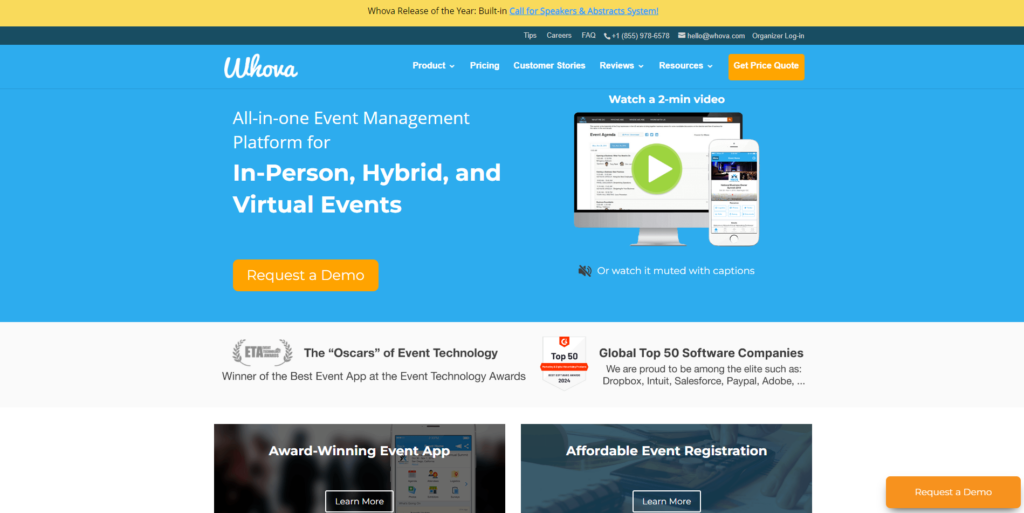
Like Sched, Whova is a full event management tool. It also includes ticketing capabilities, as well as online registration, marketing, and more.
Key Features
- Fast Ticket Creation: You can create custom tickets in as little as five minutes with Whova.
- Custom Pricing: Use early bird pricing and discount codes to incentivize attendees.
- Add-Ons: Sell more with the ability to attach add-ons and additional purchases to ticket sales.
Pros
- Full event management capabilities
- Custom pricing
- Tech support available
Cons
- Aggressive marketing and upselling from Whova sales team
- Some features cannot be turned off if they’re not needed
Integrations
- Eventbrite
- SurveyMonkey
- Stripe
- Google Drive
Support
Support is available via email, chat, and FAQs.
Pricing
- Pricing by quote only
3. Guidebook
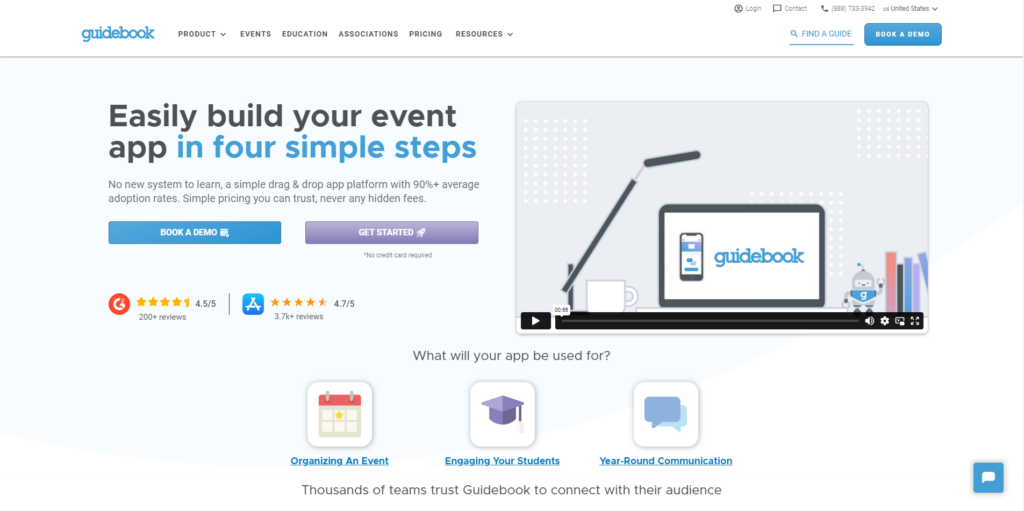
Guidebook isn’t a ticketing platform. Instead, it’s an app development platform that allows you to create your own event management or ticketing app.
Key Features
- Custom App Development: If you don’t want to use a third-party ticketing platform, develop your own with Guidebook.
- Reporting and Analytics: Guidebook delivers powerful analytics and detailed reporting to inform your strategies.
- No Coding: Guidebook lets you develop ticketing and event management apps with no knowledge of coding.
Pros
- Designed to make it simple to develop custom ticketing and event management apps
- Attendance tracking and management capabilities
- Sponsorship revenue-generating opportunities available
Cons
- Not an out-of-the-box solution
- Takes time to develop your app
Integrations
- Stova
- Mailchimp
- Eventbrite
- Marketo Engage
- Google Calendar
Support
Guidebook offers support via email and a dedicated help desk, as well as FAQs and a forum.
Pricing
- Pricing by quote only
4. PheedLoop
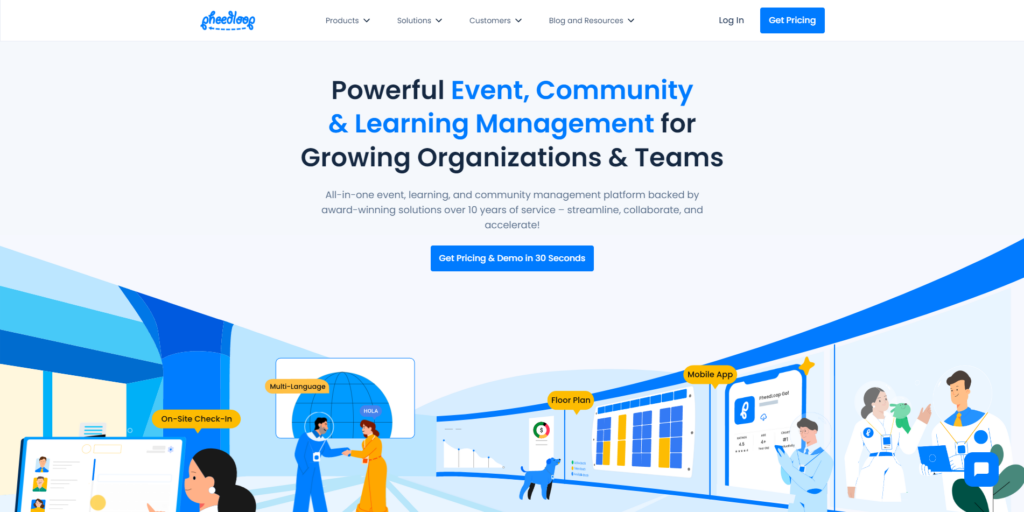
Another all-in-one event management tool, PheedLoop promises to put control over everything in the hands of event planners.
Key Features
- Easily Accessible Ticketing System: While PheedLoop is an all-in-one event management tool, ticketing is easily accessible from the dashboard.
- Reporting and Analytics: PheedLoop makes it easy to access and analyze event-related data to make informed decisions.
- Real-Time Data: Your dashboard is updated in real-time with data as it flows into the platform.
Pros
- Attendee view is always available.
- Event scheduling and management features are intuitive and flexible.
- Managing ticketing is easy.
Cons
- Some users may not need all the features.
- Support is somewhat lacking, and the Q&A tab is not easily accessible.
Integrations
- PheedLoop currently offers no native integrations, but it can be integrated with third-party platforms through Zapier.
Support
- Help is available by email and support desk, but the primary means is an FAQ tab.
Pricing
- Pricing by quote only.
5. Bizzabo
→ Want to see how Sched compares against Bizzabo? Read the blog now.
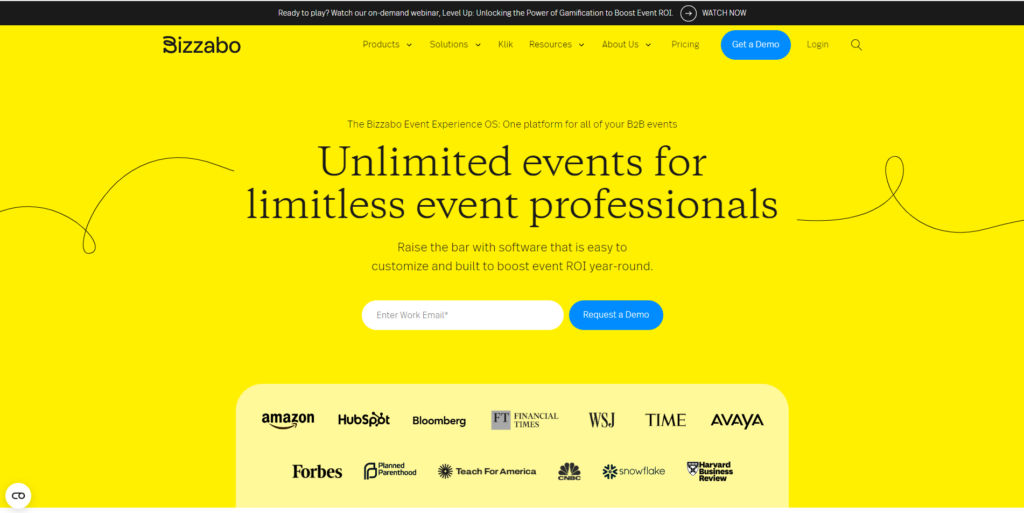
Bizzabo is a full-featured event management platform and includes a robust ticketing feature. It also provides seamless event registration and secure payment processing.
Key Features
- Customizable Ticketing: Create a ticketing solution that fits your needs with Bizzabo’s customizable options.
- Mobile-Friendly: Bizzabo creates mobile-friendly event registration and ticketing pages.
- Customizable Branding: Make your ticketing page your own with customizable branding.
Pros
- All-in-one event management system
- Customizable capabilities to create tailored ticketing products
- Third-party integrations to help you get more done
Cons
- Some users find the features and operations unintuitive and difficult to understand
- No CRM functions available
- Ticket/registration allocations are not easily accessible or understandable
Integrations
- Bizzabo integrates with a wide range of third-party platforms, including Marketo Engage, HubSpot, Mailchimp, and Brightcove to name just a few.
Support
- Support is available through email, a help desk, FAQ pages, and more.
Pricing
- Event management solutions start at $499/user per month. Bizzabo also offers smart event wearables for single and multiple events. Custom pricing is available upon request.
6. TicketManager
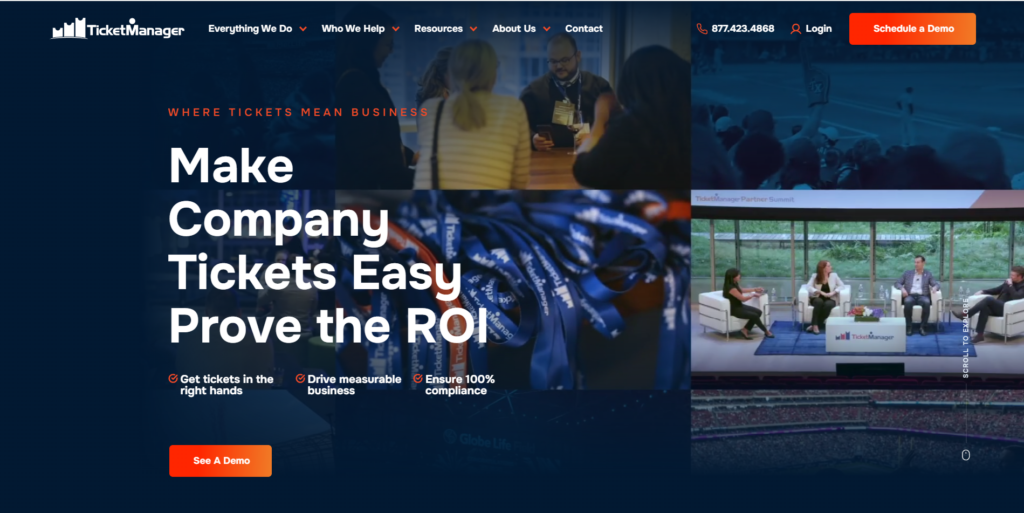
Unlike several entries on our best event ticketing platforms list, TicketManager delivers ticketing-specific solutions. Additional add-ons are also available to help with event management.
Key Features
- Custom Ticketing: Create tickets and ticket packages that fit your needs and the expectations of your attendees.
- Ticket Delivery and Fulfillment: Create, send, and track tickets through a single dashboard.
- Rich Reporting: TicketManager supports audit compliance reporting to keep you in the loop.
Pros
- Add multiple event dates for the same event/speaker so attendees can choose easily
- Baked-in seating chart capabilities
- Flexible ticket management capabilities
Cons
- Sends one ticket per email only (you cannot send multiple tickets attached to a single email)
- Limited authorized access options
- Steep learning curve
Integrations
- TicketManager integrates with Outlook, Salesforce Sales Cloud, and SAP Concur.
Support
- Support is only available by phone.
Pricing
- Pricing is available by quote only. It does offer a free version of the platform.
7. Webex Event
→ Explore how Sched compares to Webex in our blog. We compare both platforms side by side.
Part of the Cisco family, the Webex brand covers a wide range of products, including event management. The event management tool includes built-in ticketing capabilities.
Key Features
- Centralized Ticketing and Registration: Registration and ticketing are easily accessible through the centralized dashboard.
- Customizable Solutions: All aspects of the registration page and ticketing process can be branded.
- Customizable Features: Webex Event lets you capture the data you need with customizable features and fields.
Pros
- Designed for in-person, online, and hybrid events
- Add follow-up questions to customize the registration per attendee
- Create promo codes and access codes
- Instant payouts via Stripe
Cons
- Steep learning curve
- Software security/password updates are difficult
- Customer service is spotty
Integrations
- Webex Event integrates with multiple third-party platforms, including Eventbrite, Facebook, Miro, and tons of others.
Support
- Primary support comes from the platform’s knowledgebase and FAQ pages, but phone support and email support are also available.
Pricing
- Webex has a free version. It offers three plans: Webex Meet ($144/user/year), Webex Suite ($270/user/year), and Webex Enterprise (request custom pricing).
Other Great Event Ticketing Options to Consider in 2025
If you’re looking for more affordable or niche-focused tools, these additional platforms offer flexible pricing, customization, and useful features for a variety of event types:
8. Eventbee
Eventbee is a web-based platform designed to help you sell tickets more easily, while also providing some needed event management capabilities.
Best for: Budget-conscious event planners
Integrations: Eventbee integrates with PayPal, Stripe, Braintree, and Authorize.net
Pricing: Starts at $1/ticket (scales by plan)
Pros: Third-party credit card processing, robust customization capabilities, and you can create and sell tickets for events of all types
Cons: Some users report that support is lacking and there’s no offline mobile check-in capabilities
9. Purplepass
Built specifically for ticketing, Purplepass delivers plenty of functionality and lots to love. However, it doesn’t offer much in the way of event management capabilities.
Best for: Multi-day events and schools
Integrations: WordPress, Meta for Business, Zoho CRM, HubSpot, Mailchimp, and more
Pricing: From 2% + $0.99 per ticket (+ processing fees)
Pros: Easy to customize event pages, good customer support availability, and plenty of customization options
Cons: Some aspects of Purplepass may be difficult to learn and a few features are not very intuitive
10. Splash
Splash is an event marketing solution designed for today’s brands. You can easily deliver an on-brand ticket-buying experience.
Best for: Brand-conscious marketing teams
Integrations: Splash integrates with many third-party platforms, including HubSpot, Zapier, and Slack
Pricing: Pro and Enterprise plans require a quote
Pros: Offers custom branding, both discounts and affiliate links to accelerate sales, and there’s a free trial
Cons: Editing templates and learning the features can be challenging, it’s not very Mac-friendly, and customer service is only available by email.
11. RegFox
RegFox is probably best known for its online registration capabilities. However, it also offers some pretty compelling ticketing features.
Best for: Custom registration and ticketing flows
Integrations: The platform integrates with Pipedrive, Salesforce, HubSpot, Zoho CRM, and many others
Pricing: $0.99 + 1% per registrant (plus credit card processing fees)
Pros: Custom ticket-building capabilities, easy online registration, and excellent customer support
Cons: Building templates can be time-consuming, and reporting & analytics could be more robust
12. TicketSpice
Specializing in customizable, affordable solutions, TicketSpice is a popular ticketing platform for small businesses, as well as larger firms.
Best for: Timed-entry and recurring events
Integrations: Pipedrive, Salesforce, ActiveCampaign, AWeber, and others
Pricing: $0.99 per ticket (plus standard credit card fees)
Pros: You can easily create ticket registration form pages and confirmation emails, and see tickets in the system in real-time
Cons: Setup is not very intuitive and user interface is not well designed
How to Choose the Best Event Ticketing Platform for Your Needs
Choosing the right ticketing software starts with knowing what matters most to your event. Here are the top features people compare when evaluating ticketing tools:
- Affordability: Look for transparent pricing and low per-ticket fees, especially if you’re running frequent events.
- Custom ticket types: Some platforms support advanced ticket options like timed entry, VIP access, or bundled pricing.
- Ease of use: Prioritize platforms with intuitive dashboards and simple setup.
- Flexible branding: If your event is public-facing, branding and custom event pages matter.
- Fast payouts: Need cash flow? Check how quickly each platform lets you access funds.
- Analytics and reporting: Real-time insights help you track sales, spot trends, and make smarter decisions.
- Event mobile check-in and support: Smooth onsite operations depend on reliable check-in and available help if things go wrong.
📌 Tip: If you want an all-in-one tool to handle ticketing, scheduling, and attendee communication, consider an event platform like Sched. It’s flexible, affordable, and works for both small and large events.
Join Thousands Who Trust Sched to Power Their Events
If you’re looking for a ticketing platform that’s flexible, easy to use, and built with event planners in mind, give Sched a try.
Sched lets you create custom ticket types, offer discounts, track attendance, and manage your entire event in one place. Thousands of organizers, from schools and nonprofits to healthcare and large corporations, use Sched to deliver impactful events all year long.
Start your free trial today (no credit card needed) and see how much easier event planning can be.
FAQs
What is the best event ticketing software in 2025?
The best event ticketing software in 2025 depends on your specific needs. For all-in-one functionality and ease of use, Sched is a top choice, especially for schools, nonprofits, and corporate teams. If you’re planning large-scale enterprise events, Bizzabo or Webex Events may offer more advanced capabilities.
What’s the most affordable ticketing platform for small events?
The most affordable ticketing platform for small events includes options like Sched(starting at $50/month) and Eventbee ($1/ticket), which are ideal for smaller teams or budget-conscious planners. TicketSpice and RegFox also offer low per-ticket fees and are great for pay-as-you-go models.
Which event ticketing platforms are best for nonprofits or K-12 schools?
Sched is highly popular among schools for planning all sorts of school events, including professional development days and community events. Purplepass also offers nonprofit discounts and flexible pricing tailored to educational institutions.
How do I choose the right ticketing platform for my event?
To choose the right ticketing platform for your event,start by identifying your top priorities, whether that’s budget, attendee volume, branding, integrations, or advanced features. Then compare platforms side by side (like in this blog) to see which one matches your needs. If you want flexibility, built-in scheduling, and great support, Sched is a strong all-around option.